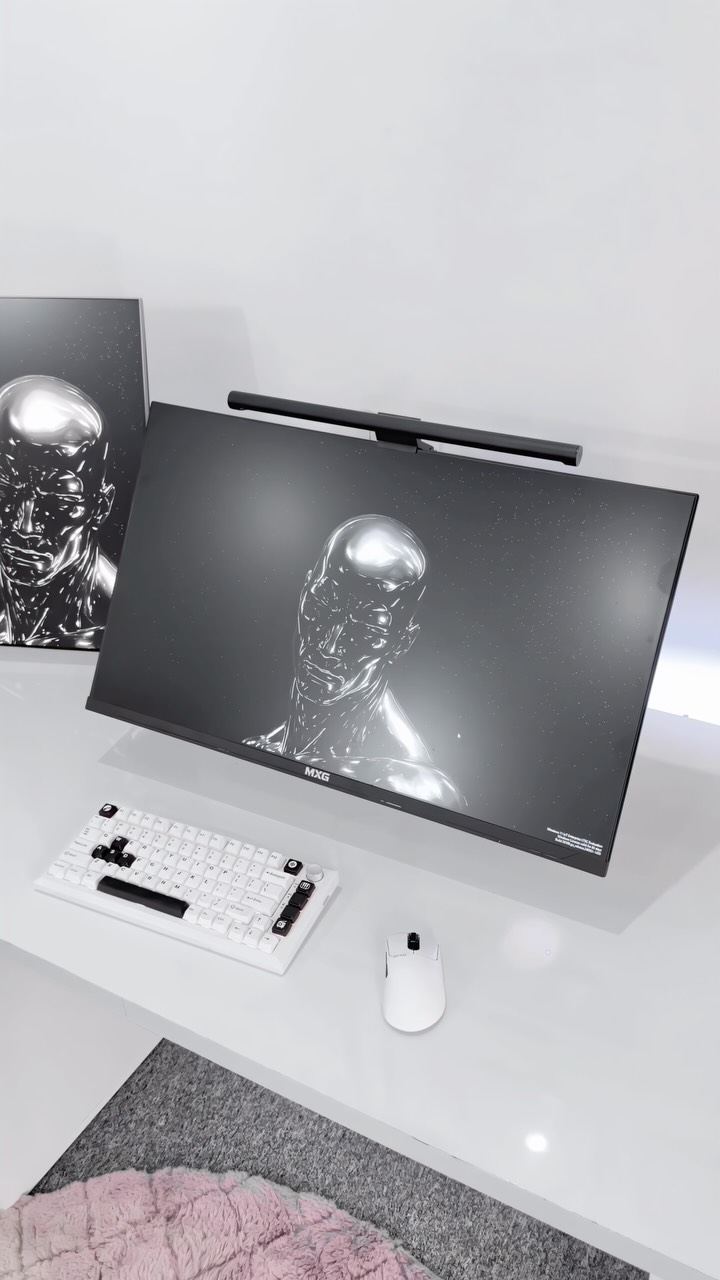
Motorized Desks Maintenance
Guidelines for MXG MGD-01R, DMD-01, and dual-motor sit-stand desk frames.
Tabletop Care
Our double-sided laminated desktops feature water-resistant coatings, but liquid pooling can cause wood swell at seams. Wipe away coffee or water spills immediately. Avoid heavy alcohol sprays or acetone cleaners.
Dual-Motor Protection
Never exceed the maximum dynamic lifting load capacity (100kg-120kg depending on model). Ensure under-desk cables are routed securely in the wire trays and have sufficient slack at full height (125cm) to prevent plug tension.
Calibration & Reset
Perform a system reset every 6 months to keep desk motor sync calibrated: press and hold the DOWN button until the display shows "RST" and bounces back slightly. This recalibrates the anti-collision sensitivity module.
CRITICAL WARNING: MOTOR CYCLE DUTY LIMIT
Our heavy-duty motors feature built-in thermal sensor protection. Do not run vertical height cycles continuously for more than 2 minutes. Doing so will trigger safety overrides, disabling lift control for 18 minutes to allow motor cooling.
Gaming Chairs Maintenance
Guidelines for PGC-01 Leatherette, FGC-01 Fabric, and ergonomic orthopaedic chairs.
PVC Leatherette (PGC Series)
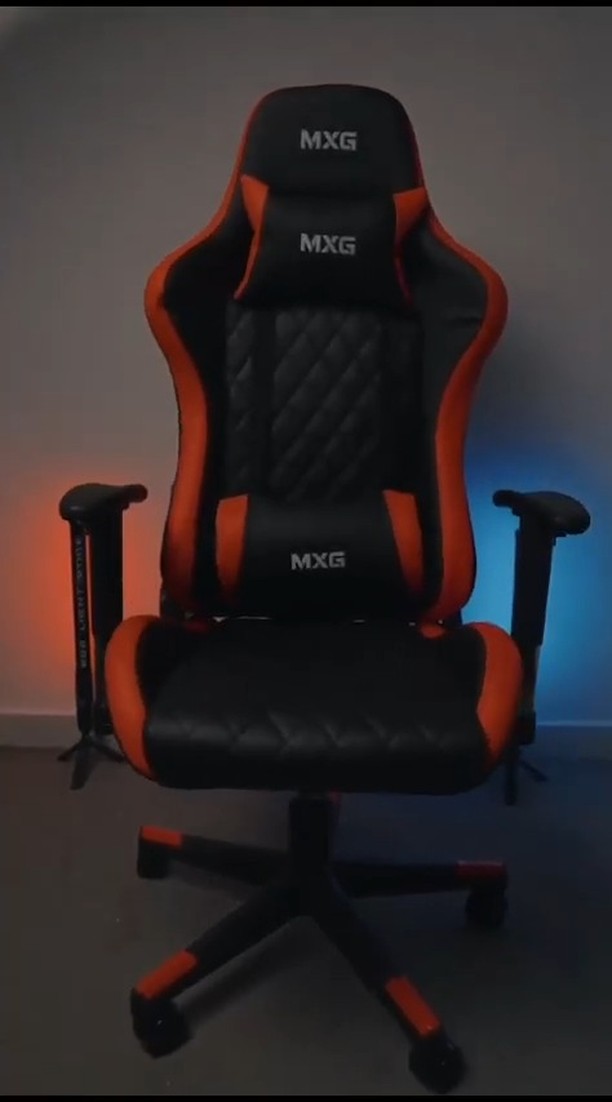
Wipe sweat, body oils, and dust weekly using a slightly damp microfiber cloth. Avoid hand sanitizers, isopropyl alcohol, and bleach. These chemical solvents dry out the polyurethane composite, causing surface peeling over time.
Woven Fabric (FGC Series)
Vacuum fabric surfaces on low suction weekly to clear lint and dust mites. For liquid spills, blot immediately with dry cloths—do not rub. For stains, apply specialized fabric foam cleaners. Avoid soaking the cold-cured foam underlay.
Mechanical Integrity
Vibrations and shifts from regular gaming sitting can cause structural frame and tilt screws to loosen. Use the included Allen key to inspect and tighten all frame screws, gas spring bases, and armrest bolts every 6 months.
CHAIR HYDRAULIC CARE
Our Class-4 gas lifts are pre-lubricated. Wipe the telescopic metal piston with a dry cloth occasionally to remove dust build-up. Do not apply thick wheel grease or petroleum jelly, which attract abrasive grit and damage internal vacuum rings.
Monitor Arms Joint Tuning
Guidelines for EMA-12, PMA-12, HMA-12R, and universal laptop holders.
Tension Calibration
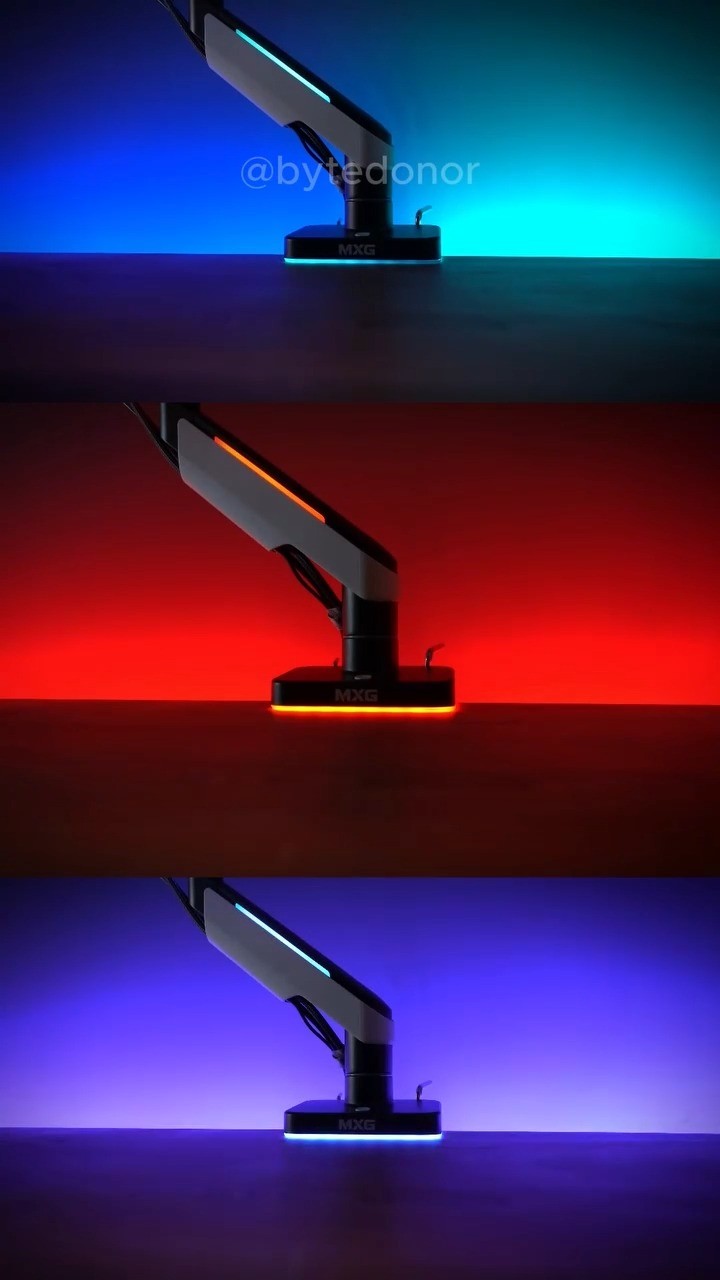
Always hold the monitor arm completely horizontal when adjusting gas spring tension. Turn the tension adjuster counter-clockwise (towards the "+" icon) for heavier monitor weights, and clockwise (towards "-") for lighter screens.
Rotation Lubrication
If joint swivel rotations become stiff or emit minor squeaks after long-term setups, apply a single drop of sewing-machine mechanical oil or multi-purpose silicone spray inside the rotating joint collar, then wipe away any runoffs.
Base Clamp Checks
Verify desk base clamp or grommet screw tightness every 6 months. High monitor weight leverage can shift clamp pads, especially on desks with laminate surfaces or composite wood boards.
Gaming Monitors Panel Care
Guidelines for MXG 24", 27", and 32" Curved & Flat display panels.
Panel Cleaning
Never spray any liquids directly onto the monitor screen. Doing so allows fluids to run down inside the panel bezel, destroying LCD circuits. Spray a dry microfiber cloth with alcohol-free screen cleaner and wipe gently.
Cable Sag Control
HDMI and DisplayPort ports can sag and fail if thick gaming cables pull down on them. Use the monitor arm's built-in cable paths to route display connections cleanly with proper strain relief loops.
Ventilation Port Care
Rear panel cooling vents accumulate ambient dust, causing heat build-up. Blow dust away using a canister of compressed air held 15cm from the ventilation slots. Do not poke objects inside the monitor frame.
Accessories & Desk Gear
Guidelines for monitor lightbars, cooling fans, and workspace add-ons.
Lightbars & Dial Remotes
Wipe LED lightbar tubes with a dry anti-static duster. For wireless dial controllers, swap AAA batteries promptly to prevent cell acid leakage. Clean contacts with dry cotton swabs if remote becomes unresponsive.
RGB Cooling Fans
Dust build-up on cooling fan blades alters mechanical balance, causing motor wobbles, squeaks, and decreased airflow. Clean fan blades using compressed air and dry cloth wipes every 3 months.
Desk Mats & Pads
Clean hybrid desk pads and mousepads with a soft sponge, warm water, and a drop of dishwashing liquid. Air dry completely before replacing on the desktop. Do not iron or machine dry.